
Each user can be assigned a "role" and given access to some or all funds within the group.
The role determines access rights in terms of which sections of the software they can access and within each section whether they have rights to:
- View only
- Full access - including ability to add, edit & delete data
In version 1 of the software there is only a limited implementation of this function as follows - firstly, from the user list, click on the name link of a user to display the following:
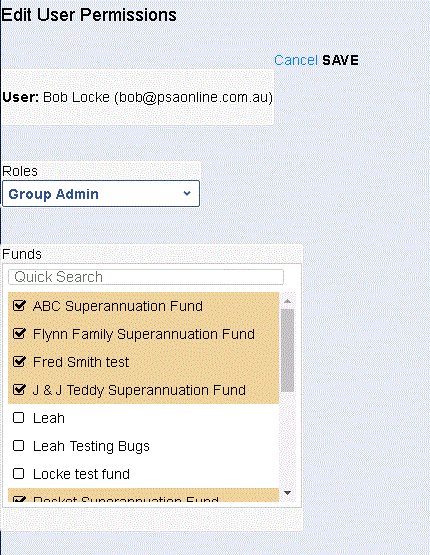
You can now select the Role from the drop down list and then select (tick the checkbox next to the fund name) which funds you wish to allow the user to access.
Remember to click the SAVE button to finish.
Comments
Please sign in to leave a comment.